
Paying out to AirTM
Follow the following steps to payout to AirTM.
Paying out to AirTM can be risky as it is backed by crypto currencies. Please use at your own risk. You can find more information at airtm.com
1. Select AirTM as the Payout Method
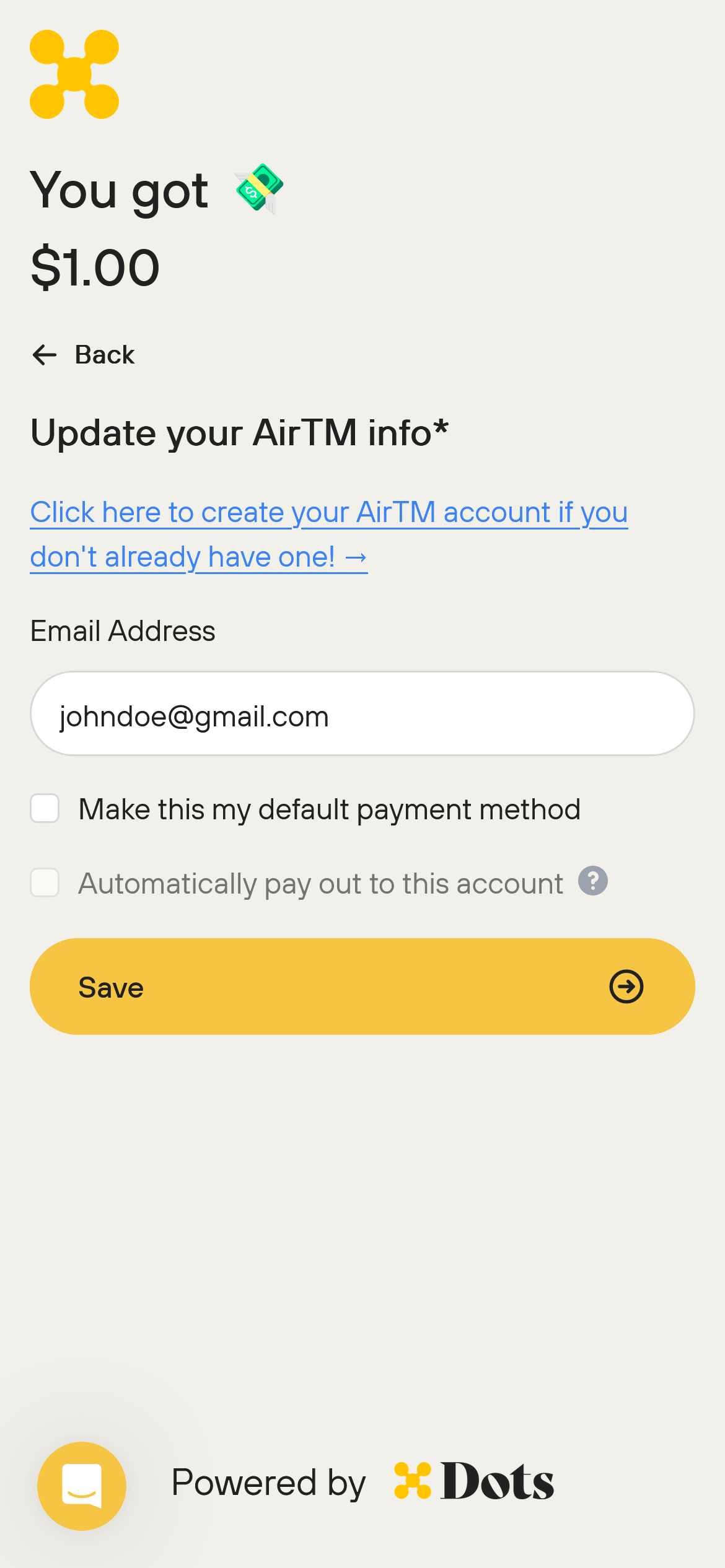
2. Enter the Information
Enter the email address associated with your AirTM account and click "Save". If you do not have an AirTM account, click the link to create one.
Please double check the email as AirTM payouts cannot be reversed if the email address is incorrect.
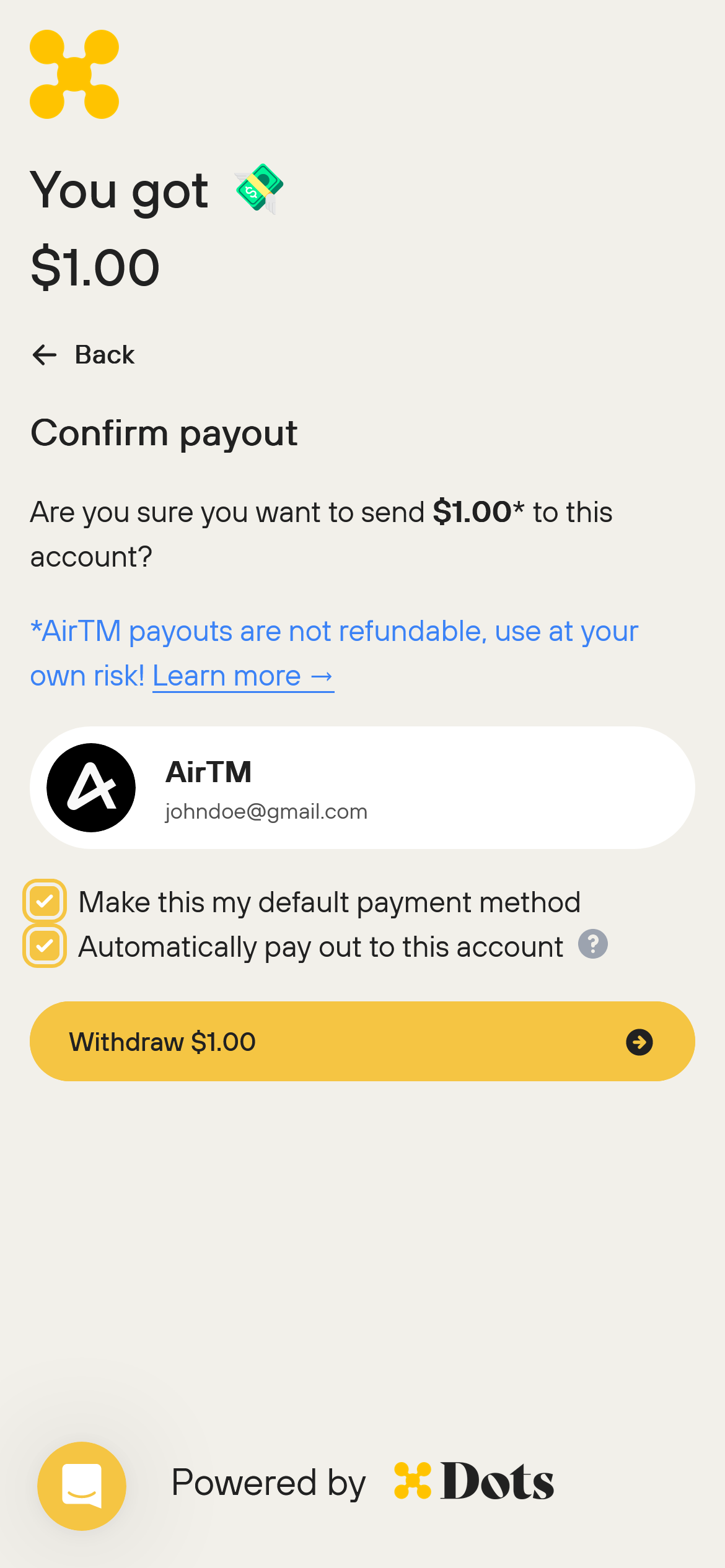
3. Ensure the Information is correct
If the information is correct, select whether or not you would like to save the payout method as your default payout method and if you would like to be automatically paid out to this account. Then, click "Withdraw".
While your payout method is verifying
When you save an AirTM payout method for the first time, Dots verifies it with a test payout. While verification is pending, the Manage Payout Methods page shows this message:
Verifying your airtm payout method. This typically takes 5-10 minutes but can take longer.
While verification is pending, the payout method cannot be edited, selected, or deleted, and auto payout settings cannot be changed. The page refreshes automatically, so you do not need to reload it.
How long verification takes
Verification can take from 10 minutes up to 5 business days, depending on the payout method. This wait is separate from the payout itself: once your payout method is verified, an AirTM payout usually arrives within 5 to 10 minutes.
This verification is Dots checking your new payout method. It is not a message about your AirTM account itself. If you save your details and see an error, check two things: the email must be the primary email on your AirTM account ("Only primary email on your AirTM account can be used for payout."), and the AirTM account must exist and be active ("AirTM account does not exist or is inactive.").
If verification or your payout stays pending
Check the current status at my.dots.dev. The Payouts page lists each payout with its status, and the Transfers page has a Pending filter.
Contact support if verification has been pending for more than 5 business days, or if a payout shows as sent but the funds have not arrived in your AirTM account. Include your payout ID, the payout amount, the payout method, the status shown at my.dots.dev, and when you initiated the payout. For general status checks, see Where is my money?