
Where is my money?
Use the payee dashboard at my.dots.dev to track your payout status and confirm where your funds are. This guide explains what each status means, how long transfers typically take, and what to do next for every status.
Business days matter. Transfers only process on banking business days. Weekends and bank holidays do not count. If you initiate a payout on Friday, it may not complete until Tuesday or Wednesday.
Payout status meanings and what to do
Each payout moves through several status states. This table explains what each status means and the action you should take.
Status | What it means | What to do |
|---|---|---|
| The payout is queued. It has not started processing yet. | Wait. A |
| The payout is actively processing. Dots has submitted the transfer to the payment rail. | Wait for the transfer window for your payout method. Check the timing table below. If the payout is |
| Dots has successfully sent the funds. Your bank or wallet may still need time to display them. | Check your bank or wallet for the incoming transfer. If you don't see the funds after the expected posting time, follow the completed troubleshooting steps. |
| The transfer could not complete. The funds have been returned to your Dots wallet. | Fix the payout issue (wrong details, closed account, etc.), then initiate a new withdrawal from your Dots wallet. |
| The payout was flagged for review before it could process. It will not proceed until reviewed. | Wait for the review to complete. Most reviews take at least 5 business days. Check your email for updates. See flagged payout troubleshooting. |
| The funds were sent but returned by the receiving bank or wallet. Funds are back in your Dots wallet. | Check why the return happened (wrong account details, name mismatch, closed account). Fix the issue and withdraw again. |
| The payout was canceled before it could complete. Funds are back in your Dots wallet. | If you canceled it yourself, you can withdraw again anytime. If Dots canceled it, check your email for the reason. |
| A failed payout was automatically retried by Dots. The payout is processing again. | Wait. The retry is already in progress. If it fails again, the funds will return to your Dots wallet. |
Troubleshooting by status
If your payout is pending
A pending status means your payout is processing. Check the timing for your payout method below. If your payout has been pending longer than the expected window, contact support.
If your payout shows completed but you don't see the funds
When a payout is completed, Dots has sent the money. Your bank or wallet may need additional time to post the funds to your account.
Bank accounts (ACH/RTP): Wait 24 hours after the completed status before contacting support.
Cash App: Wait 24 hours after the completed status. Cash App may take extra time to display incoming transfers.
PayPal or Venmo: Look for a transaction from "Divisible, Inc." If you don't see it, confirm your payout details at my.dots.dev match your PayPal or Venmo account exactly. Payouts sent to incorrect PayPal or Venmo accounts cannot be reversed.
If your payout is flagged
A flagged status means the specific payout was held for review. This is different from an account-level flag — the payout itself triggered a manual check.
What happens:
The payout will not proceed until the review is complete.
Most reviews take at least 5 business days.
You'll receive an email with the outcome when the review finishes.
What to do:
Check your email for any requests for additional information.
Check your dashboard at my.dots.dev to see if you need to complete identity verification.
Wait for the review. If you have not heard back after 5 business days, contact support with your payout ID.
Possible outcomes after review:
Cleared: The payout continues processing.
Canceled: The payout was rejected and funds are returned to your Dots wallet.
For more on review timing, see When will I hear back about my payout review?
If your account is flagged
If your account is flagged or under review (not just a single payout), your ability to withdraw may be paused entirely. Pending payouts are returned to your Dots wallet and held until the review completes.
See Why is my account flagged or under review? for triggers, what happens to your funds, and how to check if you need to take action.
If your payout was returned
A returned status means the receiving bank or wallet rejected the transfer and sent the funds back. The money is now in your Dots wallet.
Common reasons for returns:
Incorrect bank account or routing number
Name mismatch between your Dots account and the receiving account
Closed or inactive receiving account
The receiving bank rejected the transfer for compliance or risk reasons
What to do:
Log in to my.dots.dev and verify your payout details are correct.
If your bank or wallet details were wrong, update them before trying again.
If your name doesn't match, contact support — name mismatches often require manual correction.
Initiate a new withdrawal from your Dots wallet.
Changed your payout method? If you recently changed your default payout method and a previous payout was returned, check whether the return happened before or after you updated your details. Returns go back to your Dots wallet balance, not to a previous payout method.
If your payout was canceled
A canceled status means the payout was stopped before it could complete. Funds are back in your Dots wallet.
Reasons a payout may be canceled:
You canceled it: If you canceled the payout yourself, you can withdraw the funds again anytime.
Dots canceled it: If Dots canceled the payout, you should receive an email explaining why. Common reasons include compliance issues, suspicious activity, or problems detected during review.
Account review: If your account was flagged during a review, pending payouts may be canceled and returned to your wallet.
What to do:
Check your email for a cancellation explanation.
If the email asks for more information, respond promptly.
If no email arrived and you don't know why the payout was canceled, contact support with your payout ID.
If your payout was retried
A retried status means Dots automatically attempted to send your payout again after an initial failure. The payout is now processing a second time.
When retries happen:
Retries are automatic for certain temporary failures.
You don't need to take any action during a retry.
If the retry succeeds, the payout completes normally.
If the retry fails, the funds return to your Dots wallet and you'll see a
failedorreturnedstatus.
What to do:
Wait for the retry to complete. Check the timing for your payout method below.
If the retry fails, check the failure reason and follow the failed payout steps.
If your payout failed
When a payout fails, the funds automatically return to your Dots wallet. You can withdraw the funds again once you've resolved the issue.
Common failure reasons:
Incorrect account or routing number
Closed or inactive bank account or Cash App account
Name mismatch between your Dots account and the receiving account
The receiving bank or wallet rejected the transfer
After fixing your payout details at my.dots.dev, initiate a new withdrawal.
Crypto payouts: If your payout was sent to a crypto wallet, failure reasons and recovery steps differ from bank and wallet transfers. See Troubleshooting crypto payout failures for specific guidance on wallet validation errors and provider-side issues.
If you changed your payout method mid-flow
If you changed your default payout method while a payout was processing, here's what to expect:
If the payout already completed: The funds were sent to the payout method active at that time. Changing your default does not affect payouts that already completed.
If the payout was returned or failed: The funds are back in your Dots wallet. You can withdraw them using your new payout method.
If the payout is still pending: The payout will continue to the original payout method. Changes to your default method do not redirect payouts that are already processing.
To see which payout method was used for a specific transfer, check your transaction history at my.dots.dev.
Timing by payout method
PayPal
Usually completes in 5–10 minutes
Can be delayed up to 2 business days in some cases
If the status is created for more than 2 business days, contact support. If the status is pending, the payout is processing and should complete shortly.
Venmo
Usually completes in 5–10 minutes
Can be delayed up to 2 business days in some cases
If the status is created for more than 2 business days, contact support. If the status is pending, the payout is processing and should complete shortly.
U.S. Bank Transfer (ACH or RTP)
RTP (Real-Time Payment): Can complete within 5–10 minutes if your bank supports RTP
ACH: Typically takes 1–3 business days
Dots automatically uses the fastest available rail for your bank. If your bank does not support RTP, the transfer will use ACH. Contact your bank to confirm whether RTP is enabled for your account.
If your payout is stuck in pending for more than 5 business days, contact support.
Cash App
Usually takes 1–2 business days to complete
Cash App may take an additional 24 hours to display the funds after the payout completes
If your payout is stuck in pending for more than 5 business days, contact support.
International Bank Transfer
Can complete instantly in some cases
Normally takes 3–5 business days
Some transfers can take up to 5 business days in rare cases
If the payout is pending for more than 5 days, contact support. If the payout fails, the funds return to your Dots wallet and you can withdraw again.
Payoneer
Takes 1–3 business days for Dots to send the funds
Payoneer then takes an additional 1–3 business days to display the funds
If the payout is pending for more than 3 business days, contact support. Once the status is completed, check your Payoneer account for the funds.
AirTM
Usually completes in 5–10 minutes
If you haven't received your funds, contact support.
Crypto Wallet
Timing depends on the crypto network and currency
Most crypto transfers complete within minutes to a few hours
Network congestion can cause delays. If your crypto payout is stuck in pending for more than 24 hours, check for failure reasons or contact support.
Amazon Gift Card
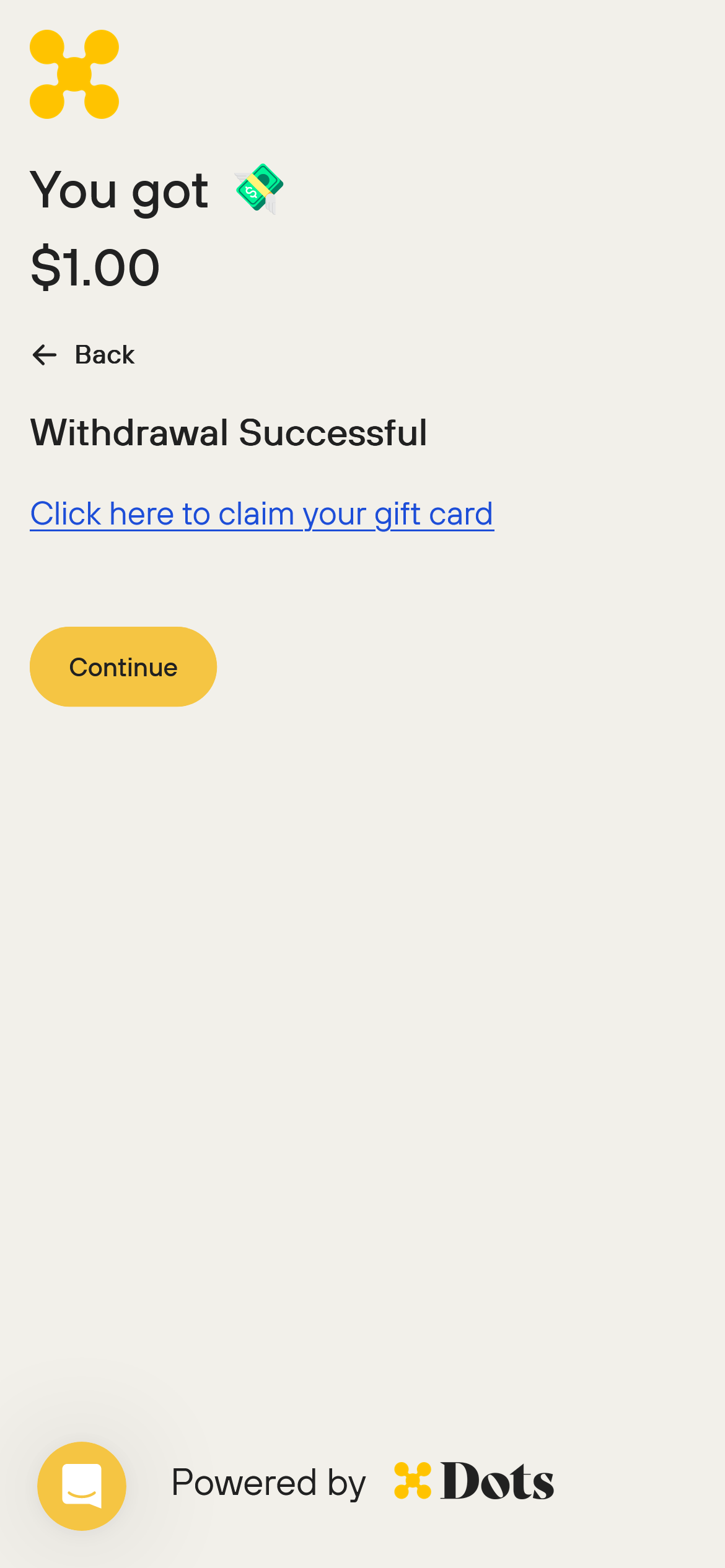
Generated instantly after you click withdraw. Click the link on the confirmation page or check your email for the gift card link.
Virtual Visa Prepaid Card
Generated instantly after you click withdraw. Click the link on the confirmation page or check your email for the card link.

Using the ACH trace ID
If your bank asks for a reference or trace number to locate an ACH or RTP transfer, contact Dots support. Provide your transfer ID and the payout amount. Support can look up the NACHA trace ID associated with your transfer and share it with you. Banks use this identifier to search for incoming ACH or RTP payments.
For developer integrations, the ach_trace_id field is also exposed in the Transfer API response and webhook payloads. See ACH Trace ID in Transfer API Responses.
When to contact support
Contact support if:
Your PayPal or Venmo payout has been in
createdstatus for more than 2 business daysYour bank transfer, Cash App, or international payout has been
pendingfor more than 5 business daysYour Payoneer payout has been
pendingfor more than 3 business daysYour payout shows
completedbut you still don't see the funds after waiting the expected timeYour payout keeps failing after you've corrected your details
Your payout was returned or canceled and you don't know why
Your flagged payout has been in review for more than 5 business days
When you contact support, include:
The payout amount
The payout method you selected
The current status shown at my.dots.dev
When you initiated the payout
Your payout ID (found in your transaction history)